How to create a Guest Account to Print a Community Event Parking Permit for Registered NAU Events
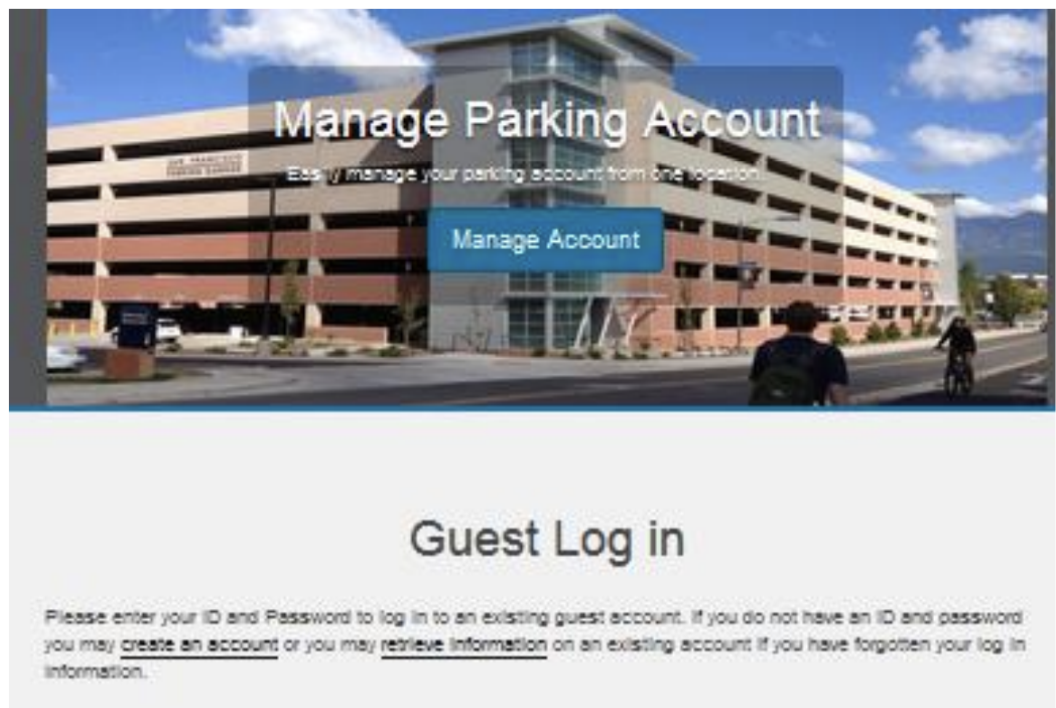
Go to here and click “create an account”.
Then, on that site, enter your “Guest User Registration information” and click “create account”.
Call the Parking and Shuttle Services office at 928-523-6623 between 7:30 AM and 4:30 PM, Monday through Friday or email them at ask.parking@nau.edu. They will verify that you are not a student nor employee.
When verified, go back to Manage My Parking with your Unique ID and Password from parking services.
Click “Permits” in the drop down menu at the top of the page and select “Get Permits”. Then click “Next.”
Pick the registered event you desire to attend.
Read the rules and regulations and check the five boxes.
Click “Next”.
Select the Effective Date (top box) and the Expiration Date (bottom box) of the event.
Click “NEXT”
Add your vehicle, including plate number, plate type, year, make, model, color and style.
Click “Next”
Click that you have read and understood the statements and click “Pay Now”.
Click “Print Permit” and print your parking permit [your pop up blocker needs to be turned off).
Please display this permit on the passenger side dashboard so it can be seen from the outside of the vehicle.
Click the logout button and enjoy your event!